
OEM Display Solutions for Equipment Manufacturers
OEM display solutions are display modules and assemblies that original equipment manufacturers integrate into their products. The right configuration matches screen size, brightness, touch performance, and video interface to the equipment’s enclosure and operating environment. Teams can evaluate standard or custom assemblies through samples and qualification testing before committing to volume production.
What Does Your Equipment Need the Display to Do?
A machine operator may need to use the screen with gloves. A handheld instrument may have very little room behind the front panel. An outdoor terminal needs to stay readable as the light changes. Tell Hicenda where the display will be used, how it mounts, and what electronics drive it so we can narrow down the options.Find answers to common questions about choosing and integrating a display for your equipment, from panel technology and interface compatibility to enclosure fit and touchscreen performance. Learn what to check during sample validation and how to plan for production lead times and long-term supply.Find answers to common questions about choosing and integrating a display for your equipment, from panel technology and interface compatibility to enclosure fit and touchscreen performance. Learn what to check during sample validation and how to plan for
Find a Display That Fits Your Equipment
Compare display and touch options, explore modules for bright sunlight or wide temperature ranges, and request samples to test in your equipment.
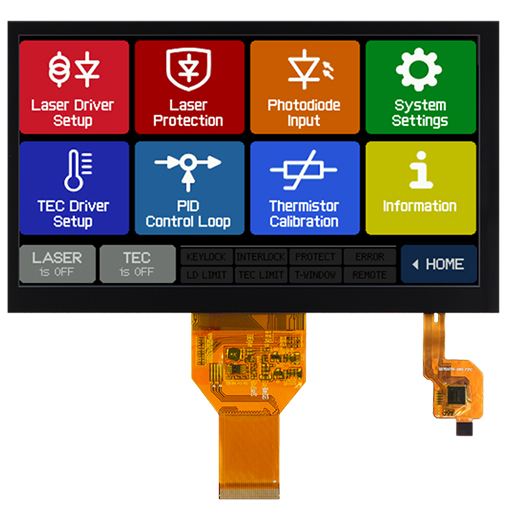


OEM Display Modules & Assemblies
Compare standalone display modules with assemblies that include a touch panel, cover glass, or a driver board. Check what each configuration includes before finalizing your equipment’s bill of materials.
Readability in the installed environment
Evaluate high-brightness backlights, anti-glare or anti-reflection glass, and optional optical clear adhesive bonding under your equipment’s lighting conditions.
Touch matched to the operator
Hicenda lists touch panels from 0.96 to 23.8 inches. Test the selected capacitive assembly with the gloves or input method operators will use.
Fit with the host system
Evaluate custom flexible circuits and display driver boards against your host interface, power budget, mounting points, and cable clearance.
Engineering support with defined deliverables
Agree on the engineering support scope at the start. Identify who reviews drawings, coordinates samples, supports integration, and signs off on validation.
What to Check on a 10.1-Inch TFT Module
The HT101RPI-IPS-TP shows how to compare a published module against your equipment requirements. Request the current datasheet and mechanical drawing before approving the design.
| Parameter | HT101RPI-IPS-TP | Check against your design |
|---|---|---|
| Screen size and resolution | 10.1 in, 1,280 × 800 pixels | Confirm the visible opening and required resolution. |
| ideo interface and touch | LVDS video, capacitive single-point and multipoint touch | Check the host interface and test the intended touch interactions. |
| Panel dimensions and operating temperature | 229.46 × 149.10 × 2.65 mm, −10 to +60 °C | Check enclosure clearance and operating limits. |

Inside Hicenda’s Display Factory
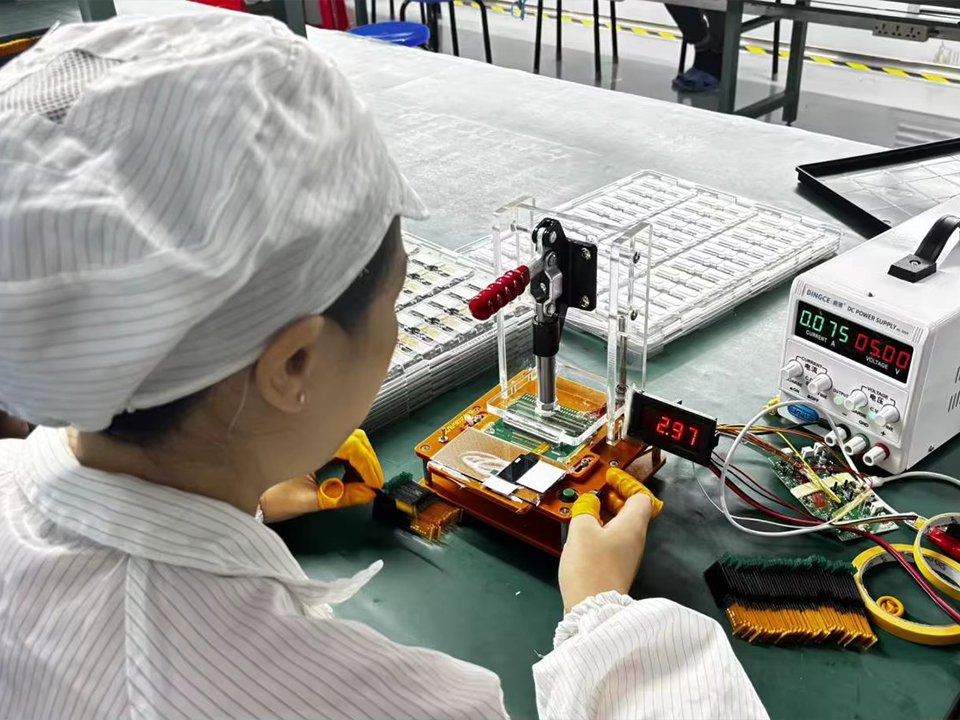
Hicenda’s 3,000 m² facility has three TFT LCD and OLED production lines and a Class 100 clean workshop. Factory test equipment covers brightness, high- and low-temperature conditions, and hardness. During qualification, ask which tests apply to your assembly and what records are available for the proposed part.
Hicenda reports ISO 9001 and environmental management certifications, plus an IATF certificate issued by TÜV. Request current copies to confirm the certified site, scope, and validity dates.
Prepare Your Display Assembly Line
Plan how display modules will move from receiving to final assembly. Specify tray orientation and protective packaging so operators can lift each module without touching the viewing surface or pulling on the flex cable. Define when to remove the protective film, where to place the module between steps, and how to keep dust and fingerprints out of the finished assembly. Use a fixture that supports the module at the approved contact points and keeps pressure off the viewing area. If your line builds different equipment variants, label trays and update work instructions so operators can distinguish similar-looking modules before installation. Before the first shipment, share your handling process with Hicenda and confirm how the trays will be packed, marked, and presented at your workstation.
Plan for Display Service in the Field
Decide how a technician will replace a display once the equipment is in use. Define which parts form the service unit and whether it can be reached from the front or rear of the enclosure. Check that tools can reach the fasteners, that the technician can release the cable without pulling on it, and that parts removed during the repair can be reinstalled in the correct order. For sealed equipment, document which seals need replacing after the enclosure is opened and how to verify the seal after reassembly. Assign a service part number and keep the removal steps, required tools, and post-repair checks together in the service manual. Have a service technician walk through the procedure on a fully assembled unit and flag any steps that require extra access or a second person before deployment.
Define Display Startup and Recovery
Choose what the operator should see when the equipment powers on or restarts. Set a target for when the first useful screen appears and decide how to show that the system is still starting. If the equipment has a standby mode, specify what wakes the display and whether it should restore the last screen or open the default view. Define what the display should show after a brief power interruption so the operator can tell whether the equipment is ready to use. Ask Hicenda for the selected module’s power and backlight timing requirements, then compare them with the host controller’s startup and shutdown sequence. Walk through startup, wake, and power recovery with the firmware that will ship. Check for unexpected flashes, blank screens, or a ready message that appears before controls respond.

OEM Display Solutions FAQs
Find answers to common questions about choosing and integrating a display for your equipment, from panel technology and interface compatibility to enclosure fit and touchscreen performance. Learn what to check during sample validation and how to plan for production lead times and long-term supply.
How do I choose between TFT LCD, OLED, and E Ink for my equipment?
Start with what the screen needs to show and how often it changes. Consider TFT LCD for a full-color operator interface, OLED for a compact display where contrast matters, and E Ink for information that updates infrequently. Then compare the available modules for viewing conditions, mounting space, and interface compatibility.
Can I connect an LVDS display to equipment with an HDMI output?
An HDMI source can drive an LVDS panel through a compatible controller board. Confirm that the board supports the exact panel model, resolution, timing, and backlight requirements. For a touchscreen assembly, check the touch interface and host support separately.
What dimensions should I check before designing the enclosure?
Use the mechanical drawing for the complete display assembly. Check the active area against the bezel opening, then verify the outer dimensions, stack thickness, mounting points, connector location, and clearance for the cable bend. If the assembly includes touch or cover glass, use the drawing for that configuration.
Can operators use the capacitive touchscreen while wearing gloves?
Glove performance depends on the glove material and thickness, cover glass, and touch controller settings. Share the glove types your operators use and test the proposed assembly with those gloves. Include the gestures your equipment requires, such as tapping small controls, swiping, or multi-touch.
Can Hicenda help find a replacement for a discontinued display?
Share the original part number, datasheet, and mechanical drawing if available. A replacement review should compare the active area, mounting dimensions, connector and pinout, signal timing, and backlight power requirements. Confirm any enclosure, cable, or firmware changes before approving the replacement.
How do I choose an operating temperature range for an industrial display?
Use the temperatures the display will experience inside the equipment, including cold starts and heat from nearby components. Check the operating and storage ratings for the selected assembly, then verify readability and touch response at the expected temperature limits.
What quality test records should I request for a display assembly?
Ask which tests apply to your configuration and whether the records identify the part number and revision tested. Depending on the assembly, relevant checks may include brightness, high- and low-temperature performance, and cover-glass surface hardness. Agree on the test conditions and acceptance criteria before production.
How can I plan for long-term supply of my OEM display?
Hicenda reports a typical support cycle of 5 to 10 years. Ask for the expected availability of your exact part number and revision. Confirm how Hicenda will communicate component changes or end-of-life notices and what replacement or last-time-buy options may be available.
What are the minimum order quantity and lead time for a custom display?
MOQ and lead time depend on the selected configuration and any custom tooling or components required. Ask for separate estimates for engineering samples and production orders. If you plan a pilot run, include its quantity and target date along with your annual volume forecast.
Request an OEM Display Quote
Share your display requirements, sample quantity, and annual volume forecast. Ask for a proposed configuration, sample lead time, minimum order quantity, and tiered production pricing. If you have an enclosure drawing, mention it in your inquiry so Hicenda can arrange a technical review.