Get Fast Support From Our Sales Team
Get Fast Support From Our Sales Team
Need product information, quotation, samples, or delivery details? Our sales specialists will help you select the right TFT, OLED, AMOLED, or custom display solution.
Need product information, quotation, samples, or delivery details? Our sales specialists will help you select the right TFT, OLED, AMOLED, or custom display solution.

Evaluate active-matrix organic light-emitting diode (AMOLED) modules and integrated touch or cover-lens assemblies for your next device. If you design or source hardware for an original equipment manufacturer (OEM), share your enclosure dimensions and host interface requirements for a quote.
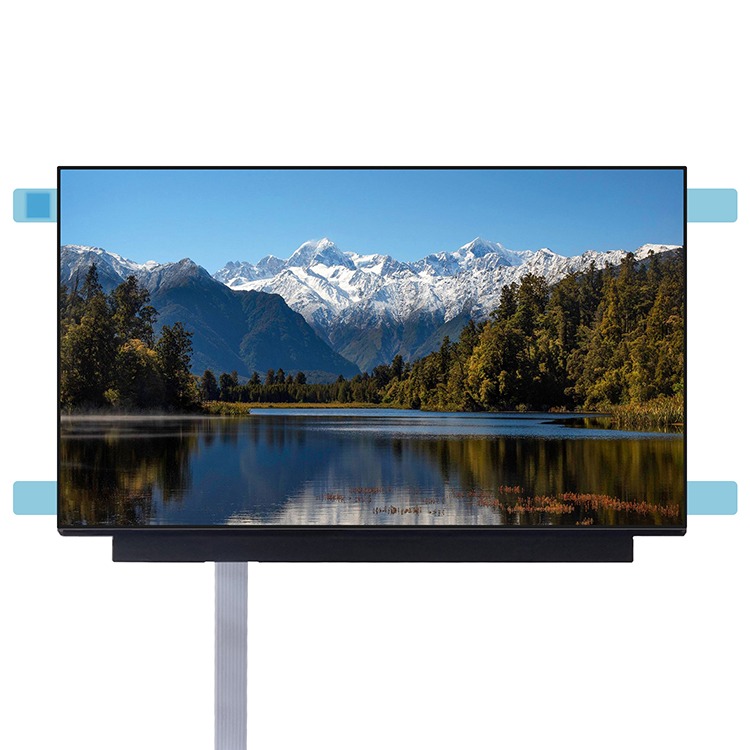
An AMOLED solution can range from a bare panel to a complete front assembly. Thin-film transistors control the light from each pixel, so individual pixels can switch off to show black and give the image high contrast. The pixels provide their own light, eliminating the separate backlight and making a thinner module possible.
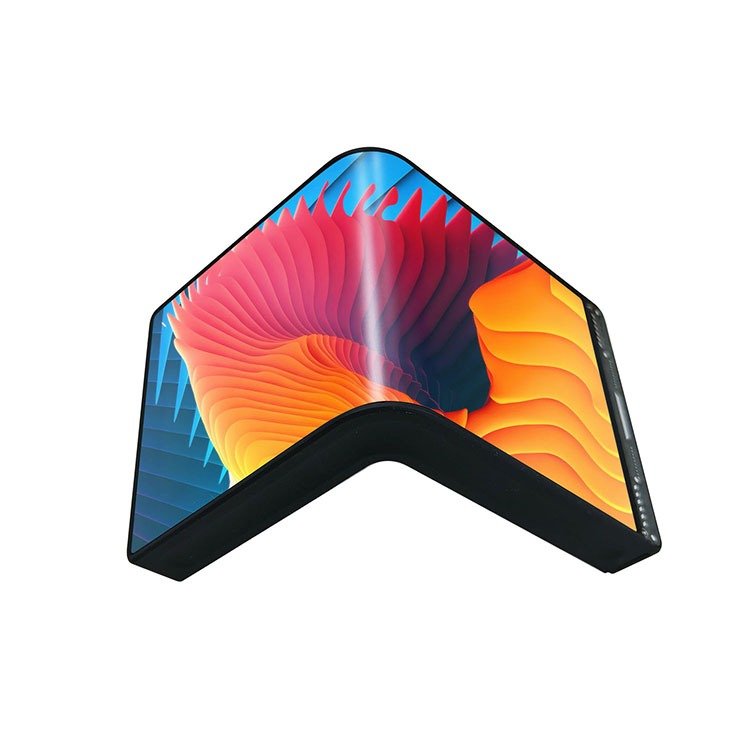
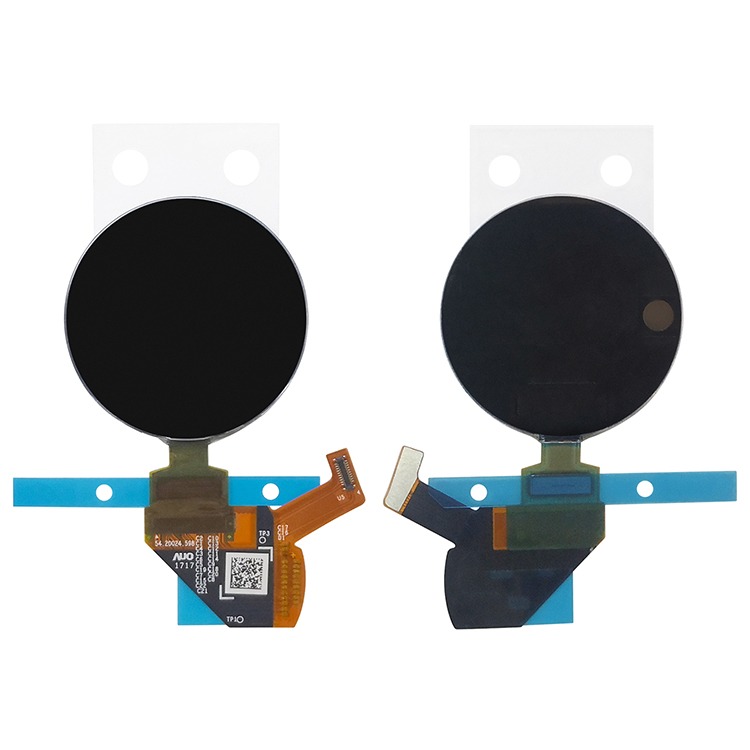
Compare circular, rectangular, and flexible AMOLED displays by size, resolution, and interface. Browse models with MIPI, eDP, or USB Type-C connectivity to find a fit for your device.
Compare AMOLED with a backlit liquid crystal display (LCD) that uses thin-film transistors (TFTs), or with a passive-matrix organic light-emitting diode (PMOLED) module.
| Technology | Black level, contrast, and motion | When to consider it |
|---|---|---|
| AMOLED | Pixels switch off for deep blacks and high contrast in dim light. Pixel transitions are typically quick. | Compact color interfaces that need fine detail or clear contrast in dim light. |
| TFT-LCD | Backlight leakage can raise black levels and reduce contrast. Pixel transition speed varies by model. | A wide range of sizes and resolutions, including designs that need sustained full-screen luminance. |
| PMOLED | Unlit pixels give strong contrast. The emitters respond quickly, while sequential row scanning governs image updates. | Small, low-resolution readouts for icons, numbers, or brief status messages. |
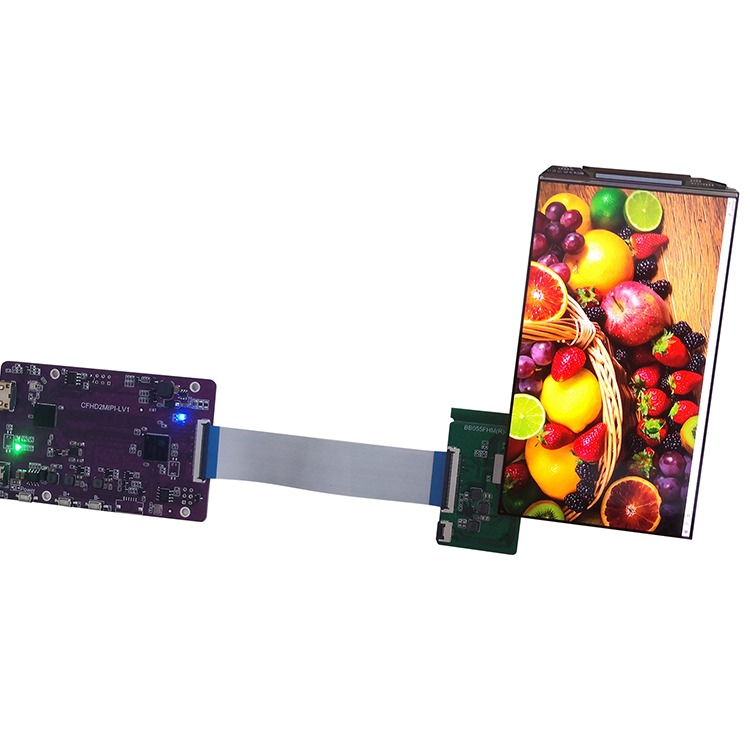
Consider AMOLED when a shallow enclosure, a round viewing area, or strong contrast on a compact interface shapes the design. These examples show what to check in each case.
Wearable — Match a round active area to the enclosure opening and check where the flex exits relative to the battery and board.
Compact handheld — Check the assembled thickness behind the front housing and test small text under the lighting users will encounter.
Smart-device control — Check that icons and status text are legible from the expected viewing angle. Include any always-on indicators in aging tests.
Check the module against your host processor and board layout. Depending on the model, the host connection may use MIPI Display Serial Interface (MIPI DSI), Serial Peripheral Interface (SPI), or Quad SPI (QSPI). Confirm the driver integrated circuit (IC), initialization sequence, bus configuration, and supported update modes.
Match the connector or flex cable, pinout, supply rails, and power sequencing to your design. If you need touch, check the touch controller’s host interface, interrupt and reset signals, and supply. Cover glass and bonding choices can change stack height, mounting clearances, and reflections. Verify fit and readability with the intended assembly.
Fixed elements such as menus, logos, and gauges can contribute to burn-in when displayed for long periods, especially at high brightness. Ask which mitigation features are documented for the model and what test conditions apply to any lifetime figures.
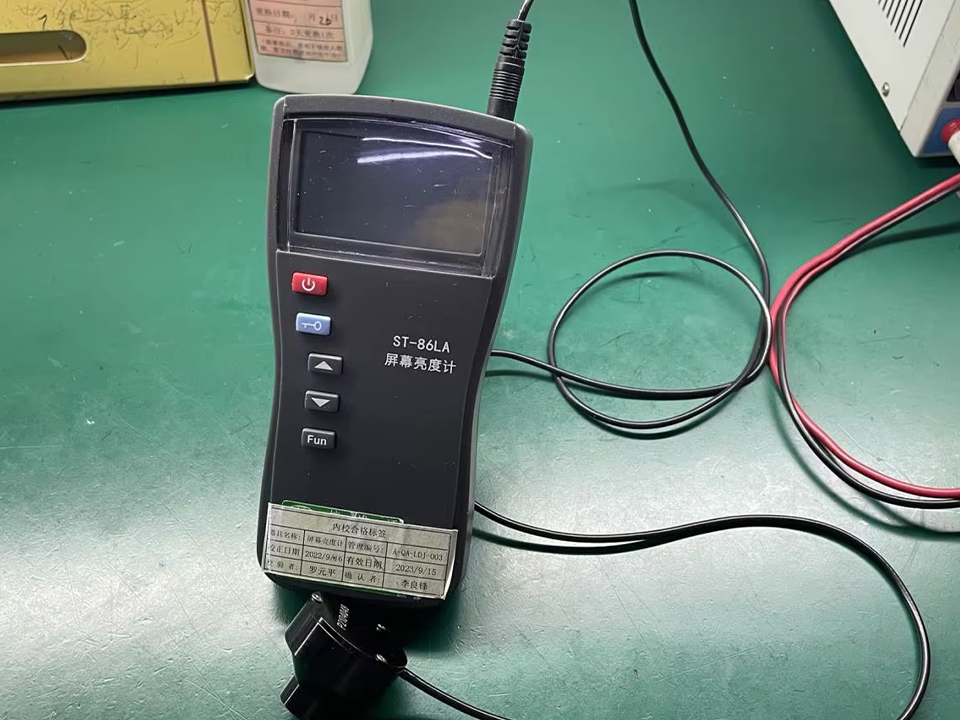
Check readability with the final cover lens under the lighting your device will encounter. Find out whether the quoted peak luminance applies to a small test area or a brief interval, then measure sustained luminance at your intended settings. Measure power consumption with representative content, including bright screens and standby views, across the expected duty cycle and temperature range.
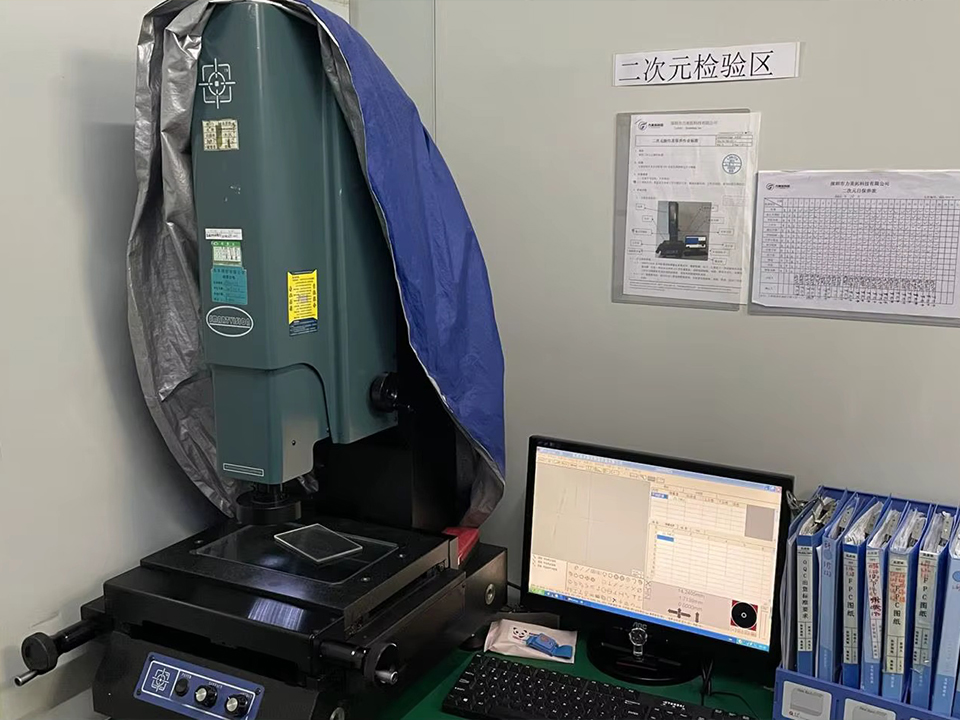
Compare candidates using the mechanical drawing and optical specifications for the exact part number. Modules with the same diagonal can have different active areas, outlines, or thicknesses, all of which affect enclosure fit.
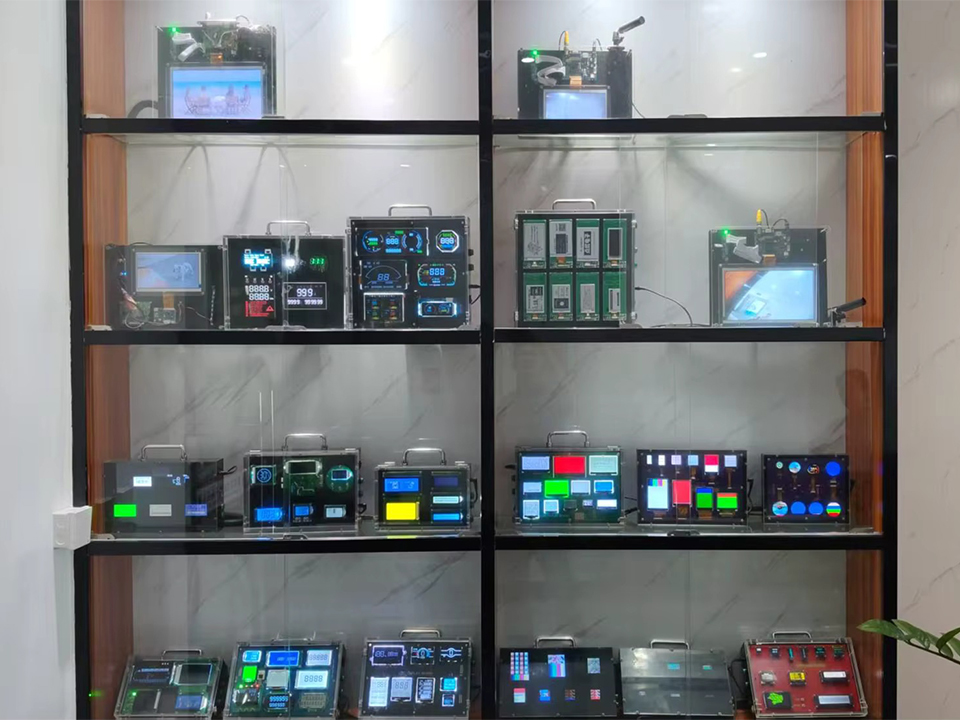
Compare AMOLED display modules and touch assemblies, check compatibility with your device, and gather the specifications you need to request a quote.
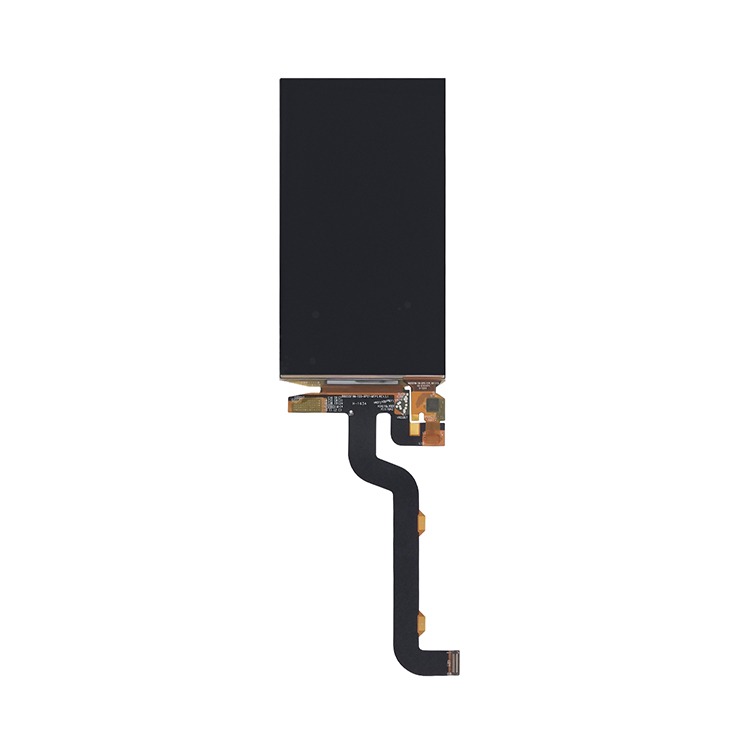
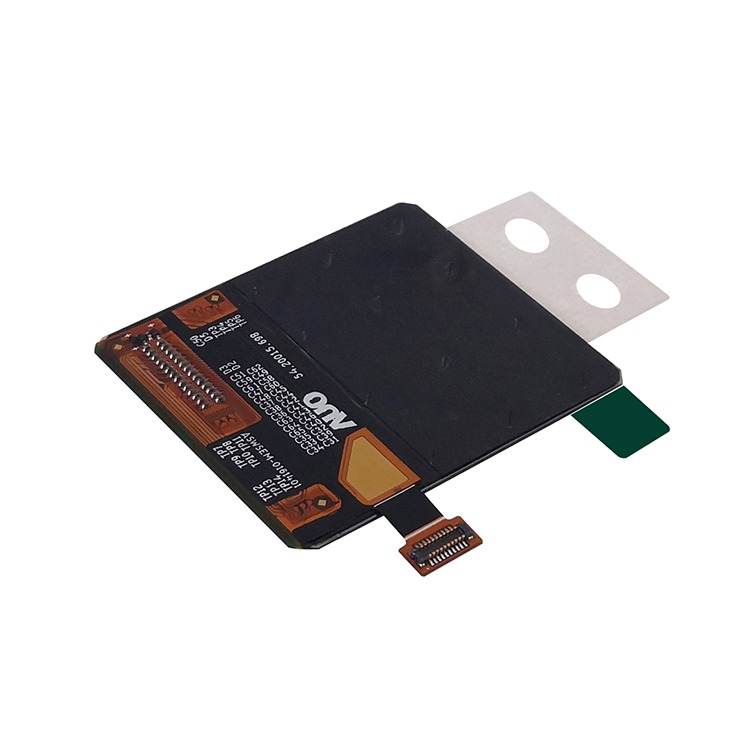
Specify whether you need a bare panel, a module with a driver and flex cable, or an assembly with touch, cover glass, or both. Ask the supplier which components are included in the quoted configuration.
Check the mechanical drawing for the active area, outer dimensions, total thickness, and flex cable exit. For a round display, match the active area to the enclosure opening. Check native resolution separately to make sure it fits your interface design.
Depending on the model, options can include MIPI DSI, SPI, and Quad SPI (QSPI). Verify that your processor supports the module’s interface and check the driver, pinout, supply rails, and initialization sequence.
Ask the supplier which configurations are available for the module you’re evaluating. If you need touch, confirm the controller interface and signals. If you need cover glass or optical bonding, check the finished thickness, mounting clearances, and reflections.
Consider AMOLED for detailed color interfaces that benefit from deep blacks and quick pixel transitions. Evaluate TFT-LCD for sustained full-screen brightness, and PMOLED for small, low-resolution readouts. Compare exact models under your intended operating conditions.
Check sustained brightness under representative content and test the complete assembly in the expected lighting and at the intended viewing angle. A peak rating may reflect a small bright area or a brief measurement. Cover-glass reflections also affect readability.
Yes. Fixed icons, logos, or gauges shown for long periods at high brightness can increase burn-in risk. Validate the module with your actual interface and duty cycle, and ask which mitigation features are documented for that model.
Measure the candidate module with your typical screens, brightest screens, and standby views at the settings you plan to use. OLED power draw varies with the displayed content, so use those measurements to estimate demand across the device’s duty cycle.
Start with a standard module if its dimensions, interface, and operating limits meet your requirements. If a change is needed, specify whether it affects the assembly, such as the flex cable or cover lens, or the panel itself, such as the active-area shape or native resolution. Ask the supplier which changes are feasible.
Verify with the supplier — Confirm the exact part number and configuration, datasheet and drawing revisions, sample availability or evaluation options, lifecycle status, and order terms. Ask about minimum order quantities and lead times for the quoted configuration.
Include in your inquiry — Describe the application and send the target outline, active area, resolution, host interface, and touch or cover-lens needs. Add expected lighting and temperature, estimated prototype and production quantities, and your project schedule. Attach an enclosure drawing if available.