Get Fast Support From Our Sales Team
Get Fast Support From Our Sales Team
Need product information, quotation, samples, or delivery details? Our sales specialists will help you select the right TFT, OLED, AMOLED, or custom display solution.
Need product information, quotation, samples, or delivery details? Our sales specialists will help you select the right TFT, OLED, AMOLED, or custom display solution.

Medical Device Displays are embedded screens that present clinical readings, waveforms, test results and device controls on healthcare equipment. TFT LCD and OLED modules serve different interface needs; selection depends on information density, viewing position, alarm visibility, cleaning exposure and operating duration within the finished medical device.
A medical interface needs enough screen space for readings, clear labels and usable controls. The HT500T7009VC provides a 5-inch IPS touch configuration to evaluate against your instrument’s graphics, electronics and enclosure.
| Parameter | HT500T7009VC |
|---|---|
| Display size | 5.0 inches |
| Panel technology | IPS TFT LCD |
| Resolution | 800 × 480 pixels |
| Display interface | 24-bit RGB |
| Driver IC | ST7262 |
| Touch panel | Capacitive touch |
| Module dimensions | 120.7 × 75.8 × 4.3 mm, excluding FPC |
| Operating temperature | −20°C to +70°C |
Compare medical display modules for instrument menus, numerical readouts and graphical interfaces. Review the screen format alongside your intended workflow, then shortlist modules for prototype testing with representative readings, alerts and controls.
Evaluate numeral size, contrast, spacing and alarm clarity at the intended viewing distance. Check visibility from bedside and cart positions and assess screen dimming under daytime lighting and dimmed room conditions.
Assess touch performance with gloves, moisture and repeated cleaning under your actual operating procedure. Define touch target sizes and cover-lens requirements early to evaluate Hicenda’s touch customization options.
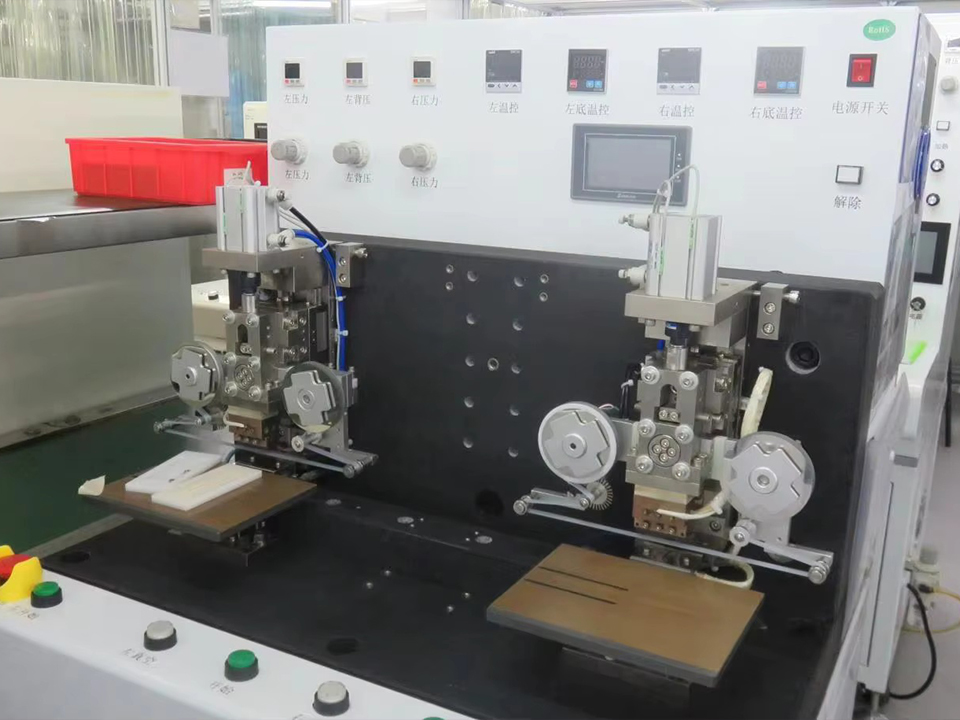
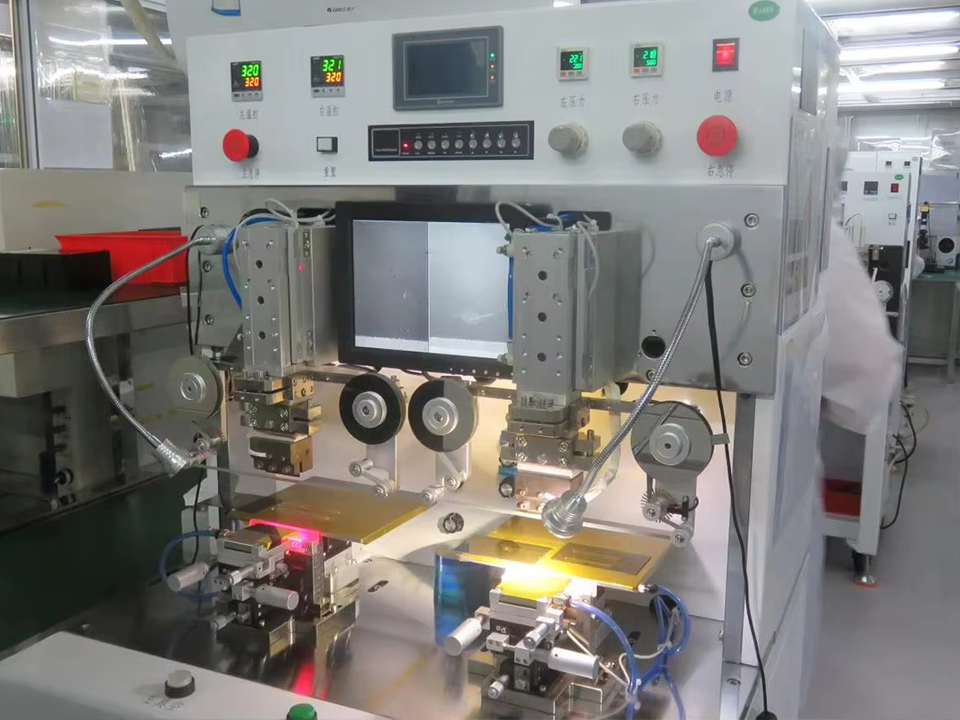
Show us what clinicians need to see and operate: live readings, test progress, treatment settings or alerts. We can discuss display and touch options against those tasks before you finalize the front panel.
A module can look different once it sits behind cover glass and inside an enclosure. Test representative screens at the intended viewing positions, check touch behavior during normal operation, and assess heat during extended use.
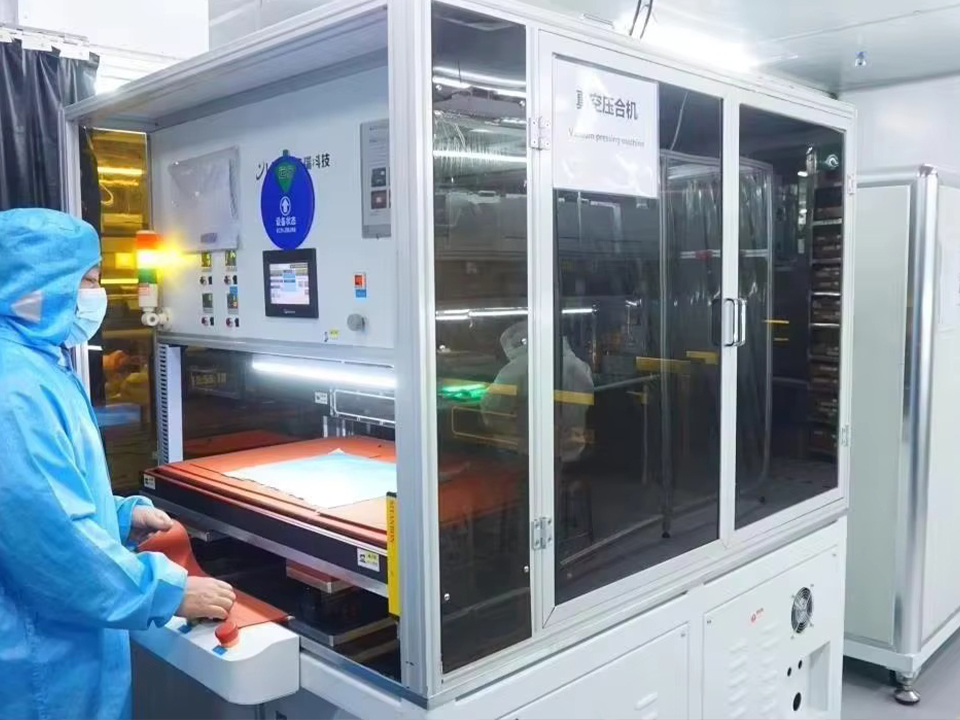
Hicenda’s brightness and temperature testing equipment supports agreed component checks. Cleaning resistance, usability and applicable medical equipment requirements need assessment with the complete assembly.
Patient monitor display modules must accommodate changing values, trends and alarm messages within a readable layout. Therapy equipment also needs clear separation between current status and adjustable settings. Evaluate the proposed screen with realistic information density, expected viewing distance and the device’s operating hours.
Diagnostic equipment displays guide users through sample loading, test progress, results and maintenance steps. Prioritize legible labels and clear workflow states. Where a screen is used to interpret medical images, establish the additional display performance and validation requirements for that specific diagnostic task.
Explore the display questions that arise when healthcare equipment moves from an interface concept to a working prototype, including readability, touch operation, cleaning exposure and system verification.
Evaluate the actual combination of numerical readings, waveforms, labels and alarms. Character size, contrast, viewing angle and screen layout all matter. Check that important information remains distinguishable at the intended distance and under the lighting conditions where the monitor will operate.
Consider TFT LCD when the interface needs color menus, multiple data fields or graphical controls. Select the panel around the required viewing area and operating conditions. For waveform displays, assess refresh behavior through the complete graphics system rather than relying on panel resolution alone.
OLED may suit compact readouts and high-contrast interfaces, but persistent labels or fixed graphics require attention to uneven pixel aging. Review brightness, screen-on time and content distribution with the module supplier, then evaluate the intended interface over a representative operating profile.
Glove operation depends on the sensor, controller settings, cover thickness and glove material. Identify the exact glove types and test both deliberate touches and unintended inputs. Touch customization should be evaluated on the assembled front panel under the expected operating conditions.
Compatibility depends on the exposed materials, coatings, adhesives and cleaning procedure. Provide the disinfectant name, concentration, contact time and cleaning frequency. Validate the finished front panel for changes in appearance, adhesion and touch performance; a hardness test alone does not establish chemical resistance.
Use the expected room lighting and viewing distance to establish a readable brightness range. A bedside interface may also need comfortable dimming. Measure the assembled display because cover glass, surface treatments and installation geometry can affect perceived readability.
They serve different purposes. An equipment-control display presents menus, settings and operating information. A display used for diagnostic image interpretation may require additional assessment of luminance, uniformity, grayscale or color performance, calibration and the requirements associated with its intended use.
No. Component information can support the equipment assessment, but it does not establish conformity of the finished system. The device manufacturer must determine the applicable safety, electromagnetic compatibility and other requirements, then evaluate the display within the complete equipment design.
Use representative interface screens and check mechanical fit, startup behavior, dimming, viewing positions, touch response and extended operation. Include relevant gloves and cleaning exposure in the evaluation plan. Record the accepted configuration so later samples and production units can be compared against it.
Identify the proposed module and key components before discussing lifecycle expectations. Hicenda normally references a 5–10-year support cycle; confirm the selected model’s terms. Agree on change notifications, replacement evaluation and end-of-life communication for your equipment program.
Tell us whether you are developing a patient monitor, laboratory analyzer, therapy console or another healthcare instrument. Include an interface screenshot or front-panel drawing where available.
We can assess candidate modules and customization needs, then prepare quotation details for evaluation samples and planned production quantities.