
Optical Bonding for Industrial LCDs & Touchscreens
Compare OCA and LOCA optical bonding for industrial LCDs with touch panels or cover glass. Send your drawings to Hicenda for a project review and quote.
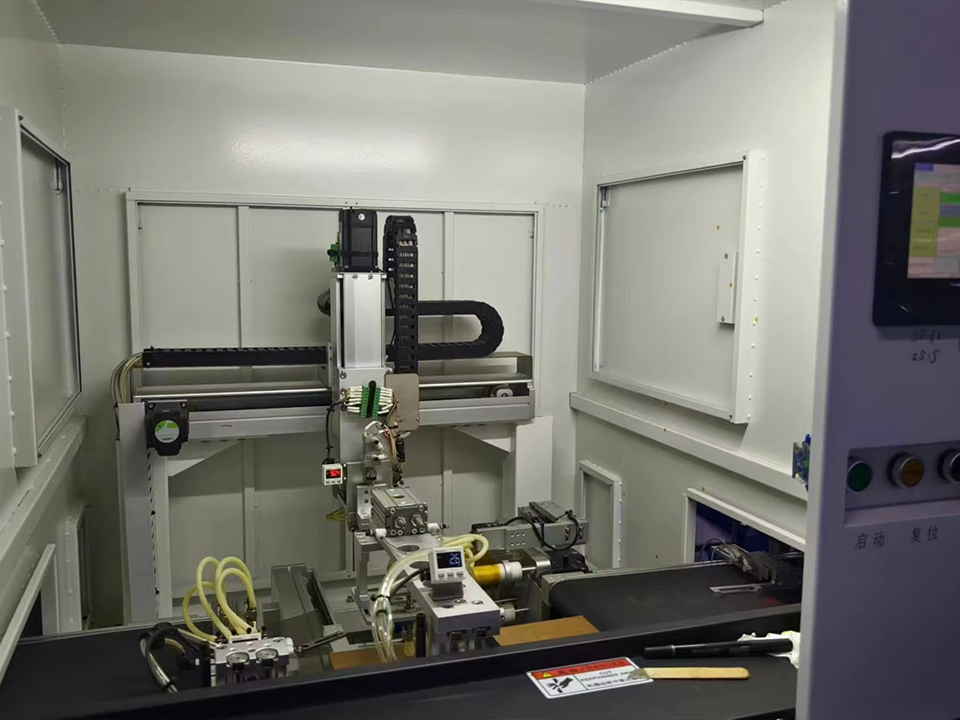
Optical Bonding Display Assemblies for Industrial LCD and Touch Systems
DisplayMan offers optically bonded LCD and touch assemblies for OEM design engineers, HMI integrators, and technical procurement teams. Evaluate a front stack that reduces reflections between layers and fits your enclosure, viewing conditions, and touch requirements.
Wet and Dry Optical Bonding
Use the stack drawing to narrow the bonding method. Start with bond-line thickness, surface flatness, the height of the printed border, and the materials on either side of the bond.
| Method | What to Check |
|---|---|
| Dry bonding with OCA film | Match film thickness and conformability to the lens geometry and printed border. Check that lamination pressure preserves image uniformity. Some films require a post-lamination cure. |
| Liquid optical bonding with LOCA | A dispensed resin can accommodate some uneven geometries. Verify thickness control, overflow limits, and the cure path, including under opaque borders if the chemistry is light-activated. |
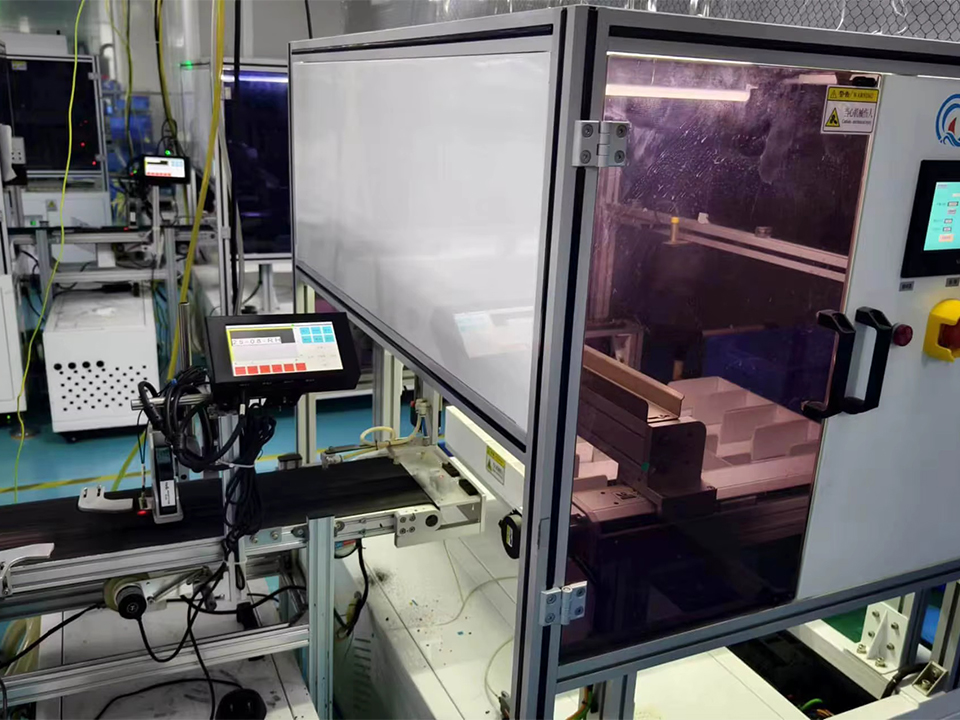
Optical Bonding or an Air Gap?
Choose full-area bonding when reflections between the screen and front layers would make the image harder to read. Perimeter tape or a frame secures the front layer while leaving an air gap in the viewing area. Full-area bonding fills that space with a material closer in refractive index to the adjacent layers, reducing the light reflected at that interface.
An air gap can still be practical under controlled indoor lighting, especially when the front lens needs to be replaceable separately. Compare both constructions under the same lighting and viewing angles, and include the cost of replacing a damaged front in your service plan.
Choose an Optically Bonded Display Stack
Optical bonding joins the LCD to a front layer across the viewing area with an optically clear adhesive. The display panel forms the image, the touch sensor detects input, and the cover glass provides the exposed protective surface.
DisplayMan can review three configurations for your project.
LCD and protective lens for equipment that needs a front window without touch input.
LCD and touch panel for designs that bond the input layer directly to the module.
LCD and integrated touch-and-glass front assembly for designs that need both touch input and a protective face.
Mark the interface to be bonded on your drawing. A prelaminated touch-and-glass unit can still be mounted with a gap above the image module.
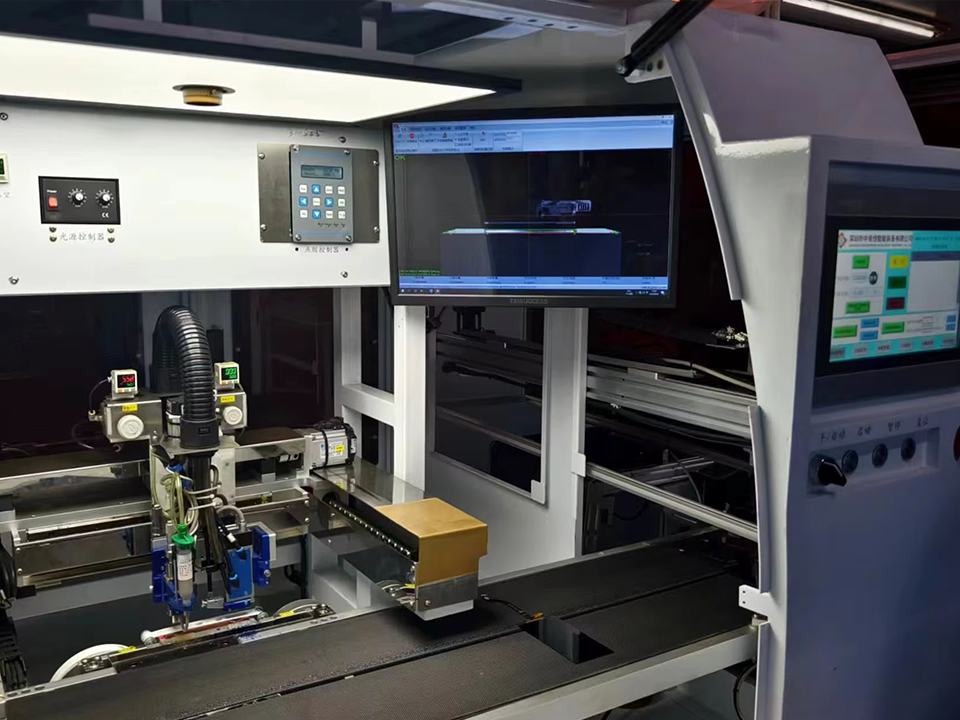
Display Performance in Operating Conditions
Set acceptance criteria for the assembled screen at its intended installation.
Bright light. Evaluate contrast ratio at the expected illumination, viewing angles, and backlight setting. Reduced internal reflection can improve contrast in ambient light. Backlight luminance is a separate design input.
Moisture and temperature. Filling the bonded interface removes the cavity where condensation can form between those layers. Check for fogging at exposed surfaces and for moisture-related defects after the relevant humidity and temperature cycles.
Mechanical durability. Check image and touch function, glass damage, and bond separation after shock and vibration with representative mounting. Request test evidence for any environmental rating, using the supplied configuration or the completed enclosure as applicable.
Industrial Display Applications and Selection Criteria
Define the conditions the operator and the hardware will encounter before choosing the assembly.
Industrial HMI. Specify operator viewing angles under task lighting and test touch with the gloves used on the line.
Outdoor terminal. Define direct-sun exposure and temperature cycling. Evaluate the front finish, backlight, and enclosure sealing together.
Rugged equipment. Set the mechanical load profile and available mounting depth. Confirm how the screen is supported and how it will be replaced in the field.
What Does LCD and Touchscreen Integration Require?
Start with the selected module and enclosure drawings. Confirm the panel model, active area, outline, and total thickness. Specify the touch technology, controller, and host interface, along with connector position and flex-cable routing. Mark the viewing opening, lens thickness, finish, print border, and cutouts. DisplayMan reviews custom lens shapes and anti-glare, anti-reflection, or anti-fingerprint finishes by project.
For a new design, agree on stack thickness, mounting datums, and gasket compression before releasing the housing. For an existing screen, provide revision-controlled drawings and a sample if available. Check polarizer height relative to the bezel, front clearance, and tolerance buildup before changing the stack.
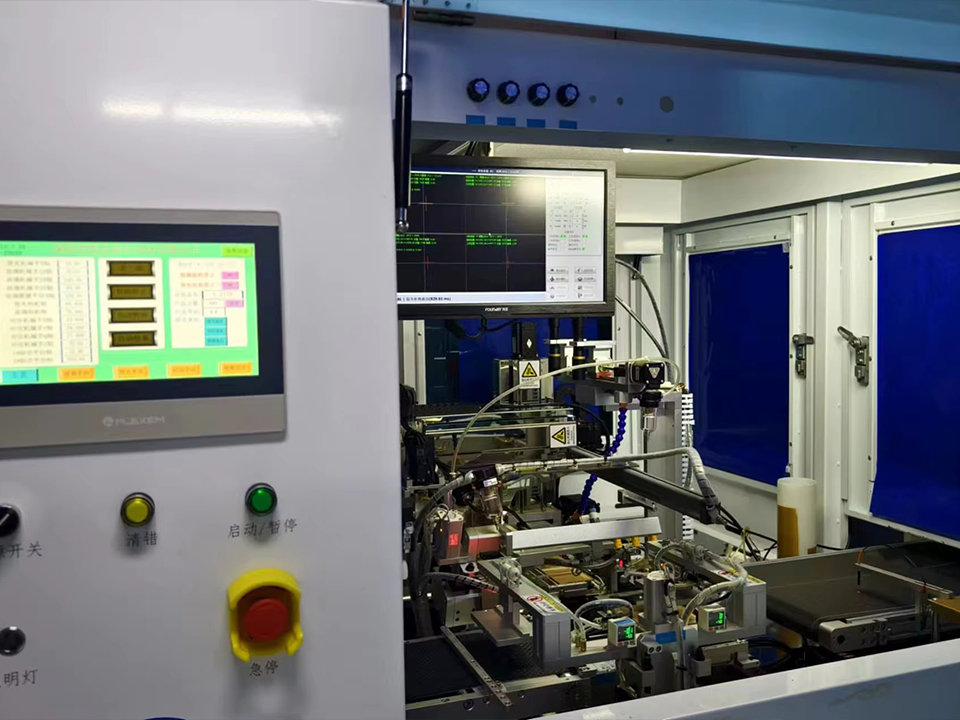
Optical Bonding Display FAQ for Industrial LCD and Touch Assemblies
Compare bonding methods, check whether a bonded display will fit your equipment, and find out what to submit for a prototype review or project quote.
What display configurations can DisplayMan review?
DisplayMan can review an LCD bonded to a protective lens, an LCD bonded to a touch panel, or an integrated assembly with display, touch, and protective glass. The right configuration depends on whether the equipment needs touch input, front protection, or both.
When is a bonded display a better choice than an air-gap display?
Consider bonding when reflections between layers make the image harder to read under bright light. An air-gap design can still suit a controlled indoor environment, especially if the front lens needs to be replaced separately. Compare both designs under the lighting and viewing angles expected in use.
What is the difference between OCA film and LOCA?
Dry bonding laminates an optically clear adhesive film of a selected thickness. Liquid bonding dispenses an adhesive that cures in place and can accommodate some variations in surface geometry. The choice depends on bond thickness, lens flatness, printed border height, material compatibility, and curing requirements.
Will optical bonding make my display easier to read in sunlight?
It can help preserve image contrast by reducing reflections inside the stack. Sunlight readability also depends on backlight luminance, the front surface finish, and the viewing angle. Evaluate the assembled display at the intended backlight setting and under representative lighting.
Can DisplayMan review a bonded replacement for my existing display?
Yes. Share the current panel model, datasheet, enclosure drawing, and a sample if available. The review can check whether the proposed stack fits the available depth, aligns with the viewing opening, and clears the bezel and cable routing.
Can I specify a custom front lens and touch requirements?
DisplayMan can review lens shape, thickness, cutouts, printed borders, and anti-glare, anti-reflection, or anti-fingerprint finishes. If operators need to use the touchscreen with gloves or wet fingers, include those conditions so touch response can be evaluated on the proposed stack.
How do I verify suitability for humidity, shock, or vibration?
Filling the bonded interface removes the air cavity where fogging can occur between those layers. For environmental qualification, ask for test evidence that identifies the assembly, mounting, and conditions used. If the requirement applies to the finished equipment, evaluate the display in its intended enclosure.
How should I specify acceptable limits for bubbles and particles?
Agree on the maximum defect size and count for the active viewing area and the border. Define the inspection lighting and viewing distance so your team and the supplier assess samples and production units the same way.
Can I request a prototype before committing to production?
DisplayMan can review sample or prototype development once the proposed configuration is confirmed. Ask whether the sample will use the intended materials, dimensions, and touch components so you can plan checks for appearance, function, and enclosure fit.
What should I submit to get a project quote?
Send the panel model and size, stack or enclosure drawings, touch and lens requirements, operating conditions, estimated sample and production quantities, and target dates. Pricing and timing depend on the confirmed design, tooling needs, and validation scope.
Start Your Optical Bonding Project
Tell us about your display and where it will be used. We’ll review your LCD, touch, and cover glass requirements to confirm what’s feasible and what we need to prepare a quote.